What is the pixel stretch effect?
By Emre Ertunc · Published June 21, 2026 · Updated August 7, 2026 · 4 min read
If you keep seeing photos with a ribbon of color streaking off the subject and you've wondered what it's called, that's the pixel stretch effect. Here's why the trend keeps coming back, especially now that it can be made on a phone.
What is the pixel stretch effect?
The pixel stretch effect takes a thin slice of pixels from a photo and stretches it across the frame, turning a strip of color into a smooth ribbon that gives a still image a sense of speed. Where you take the slice, and how far you curve it, decide the entire look.
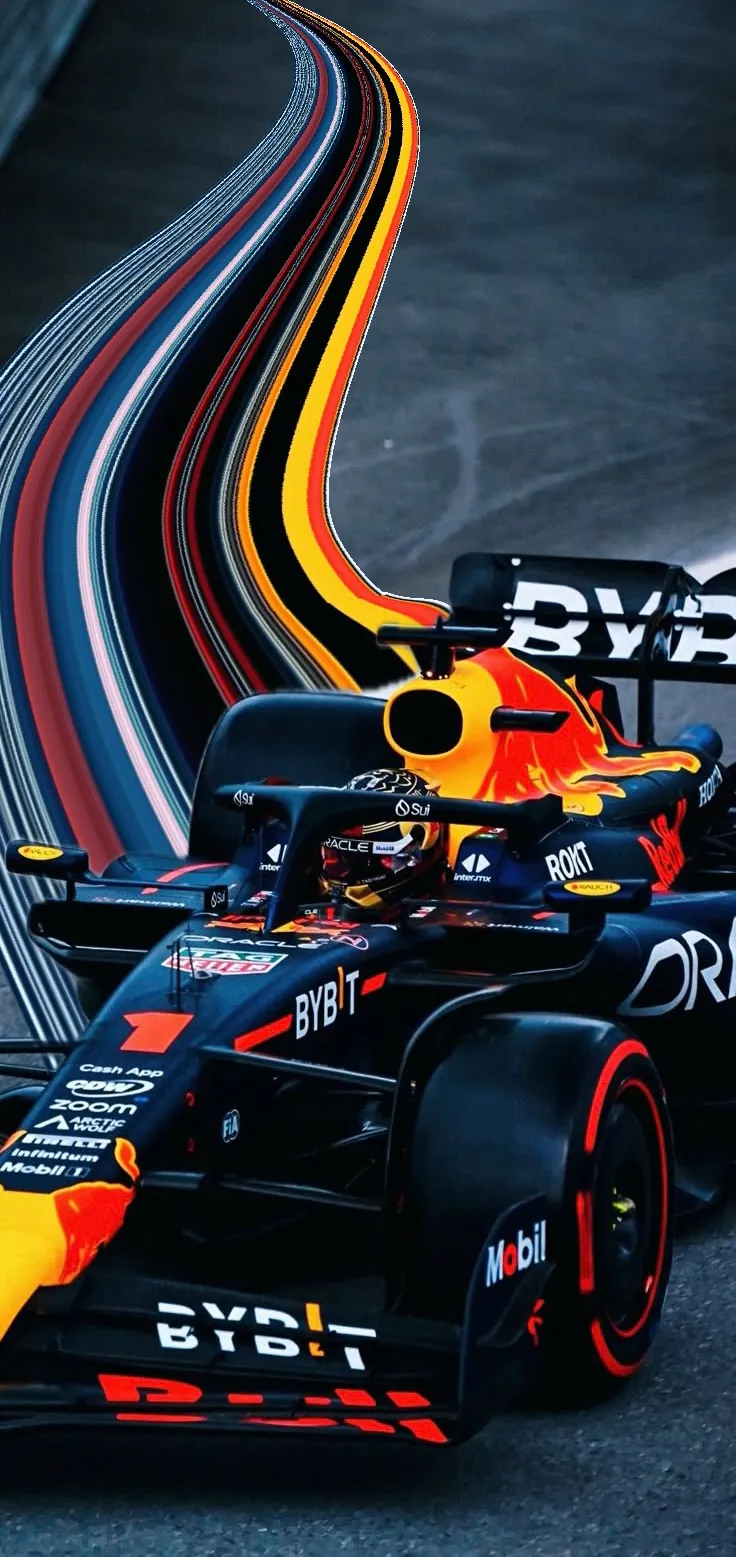
That's the whole idea. What changes the result is where you take the slice and how you curve it. Take it from the edge of a moving subject and the colors look like they're trailing off into speed. Take it from a sunset and they streak across the sky.
Where the trend came from
It isn't new, and that's part of the story. Digital Camera World traces the look back to around 2008, with a second wave roughly four years ago and a third one now, carried by phone-first creators. Every time it returns it feels fresh, because the tools to make it keep getting easier.
Earlier waves were made by hand in Photoshop. Today a lot of what you see on Instagram and TikTok is made on a phone, which is exactly why the pixel stretch trend spreads faster than it used to.
Why it keeps coming back
- It adds motion to a still image. A single frame suddenly has direction and energy.
- It's abstract but recognizable. The subject stays clear while the colors go surreal.
- No two turn out the same. One photo can make a hundred different ribbons.
- It's genuinely easy now. What used to take a desktop can now be done in a mobile editor.
What makes a photo work for it
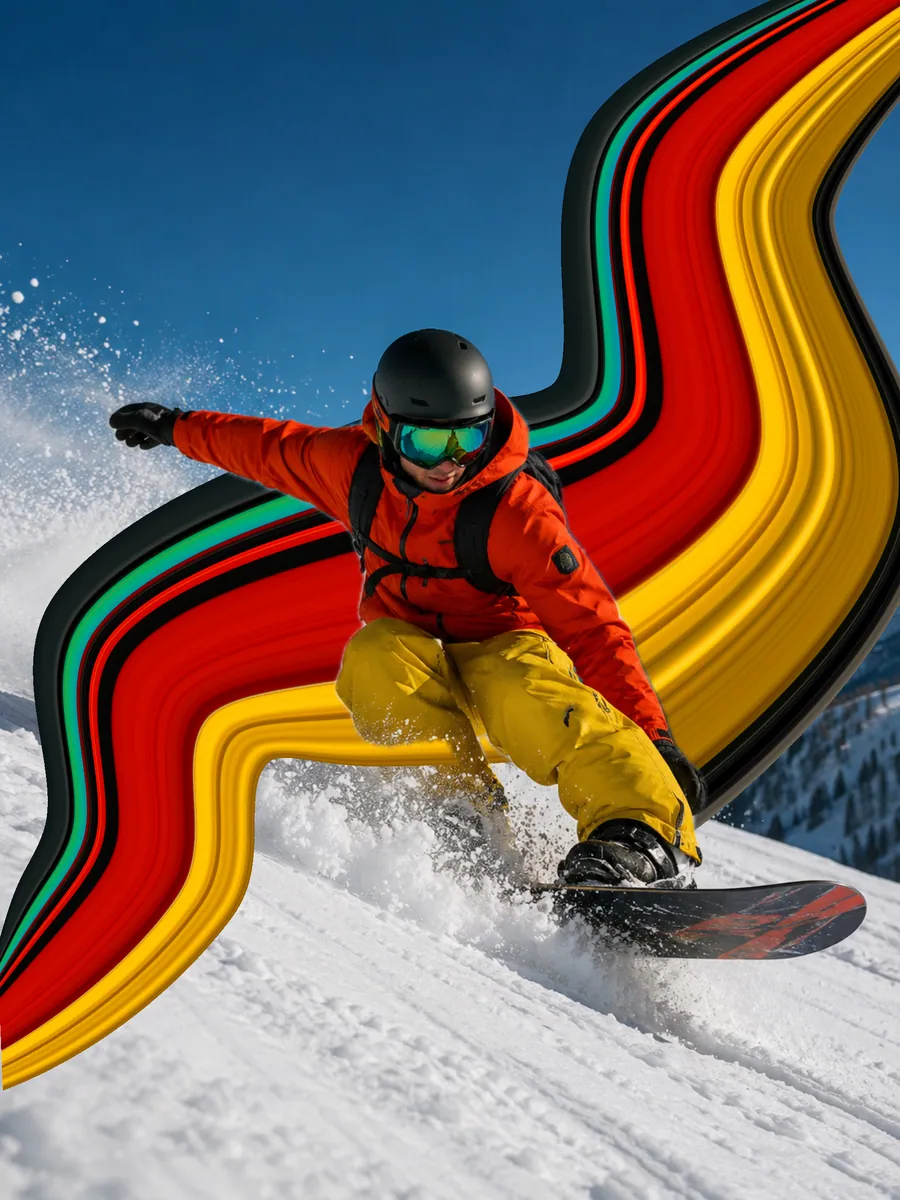
The effect is strongest when the subject's colors contrast sharply with the background. A snowboarder in an orange jacket against blue sky, a red car on grey asphalt, a patterned dress against still water — these all give the stretch something bold to carry.
It works across genres: portraits, action and sport, cars, animals, architecture, and travel shots. As long as there's a distinct subject to anchor the ribbon, you have something to stretch.
How do you actually make one?
You can build it by hand in Photoshop, or do it in a few taps with an app made for it. We cover both: the full iPhone and Android walkthrough is in How to make the pixel stretch effect, and the Photoshop comparison is in Pixel stretch without Photoshop.
Frequently asked
What is the pixel stretch effect called?
Pixel stretch — sometimes written as the stretched pixel effect or color stretch effect. They all describe the same look: a slice of color stretched across the photo.
Why is the pixel stretch trend popular again?
It cycles back every few years, and each return is fueled by easier tools. This wave is driven by mobile apps that make the effect a few taps instead of a Photoshop project.
Why is it called pixel stretching?
Because that is literally what happens. A line of pixels one row or one column deep is copied and then scaled out across the image, so the same handful of colors repeats along the whole path. Stretched pixels are the material, and the ribbon is what they build.
Is the pixel stretch effect the same as motion blur?
No. Motion blur smears whatever the camera saw during the exposure and stays tied to the real scene. A pixel stretch invents a new shape from colors you choose, so it can curve, loop, or travel in a direction nothing in the photo was moving.
Is pixel stretch a glitch effect?
It sits next to glitch art without being one. Glitch effects imitate broken data or damaged files. A pixel stretch is deliberate: the strip of color is chosen, the path is drawn, and the result is meant to look designed rather than corrupted.
Who invented the pixel stretch effect?
Nobody owns it. Photography press dates the look to Photoshop circles around 2008, with a return roughly four years ago and another wave now among phone-first creators. Each wave arrives because the tools get easier, not because a single artist relaunches it.