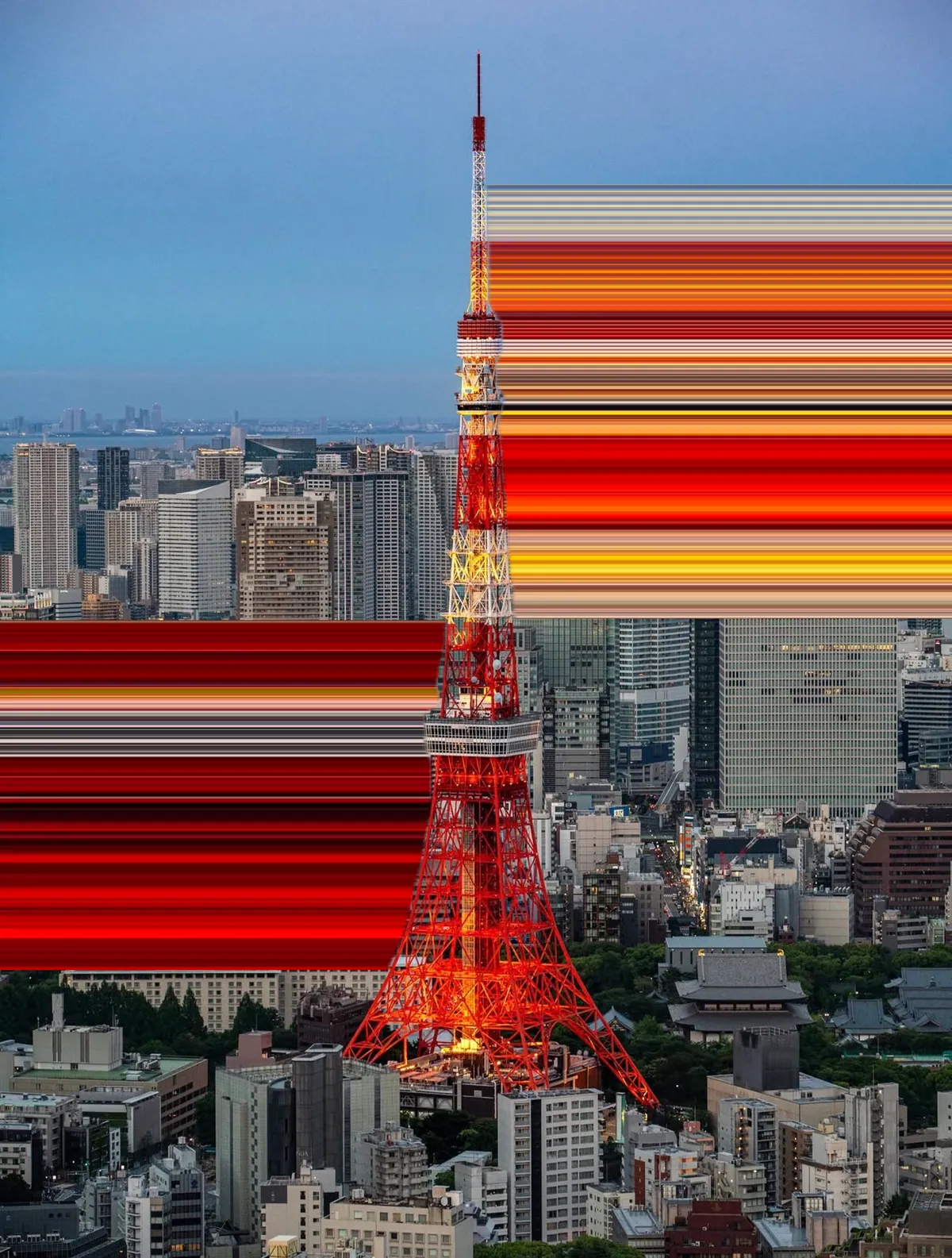
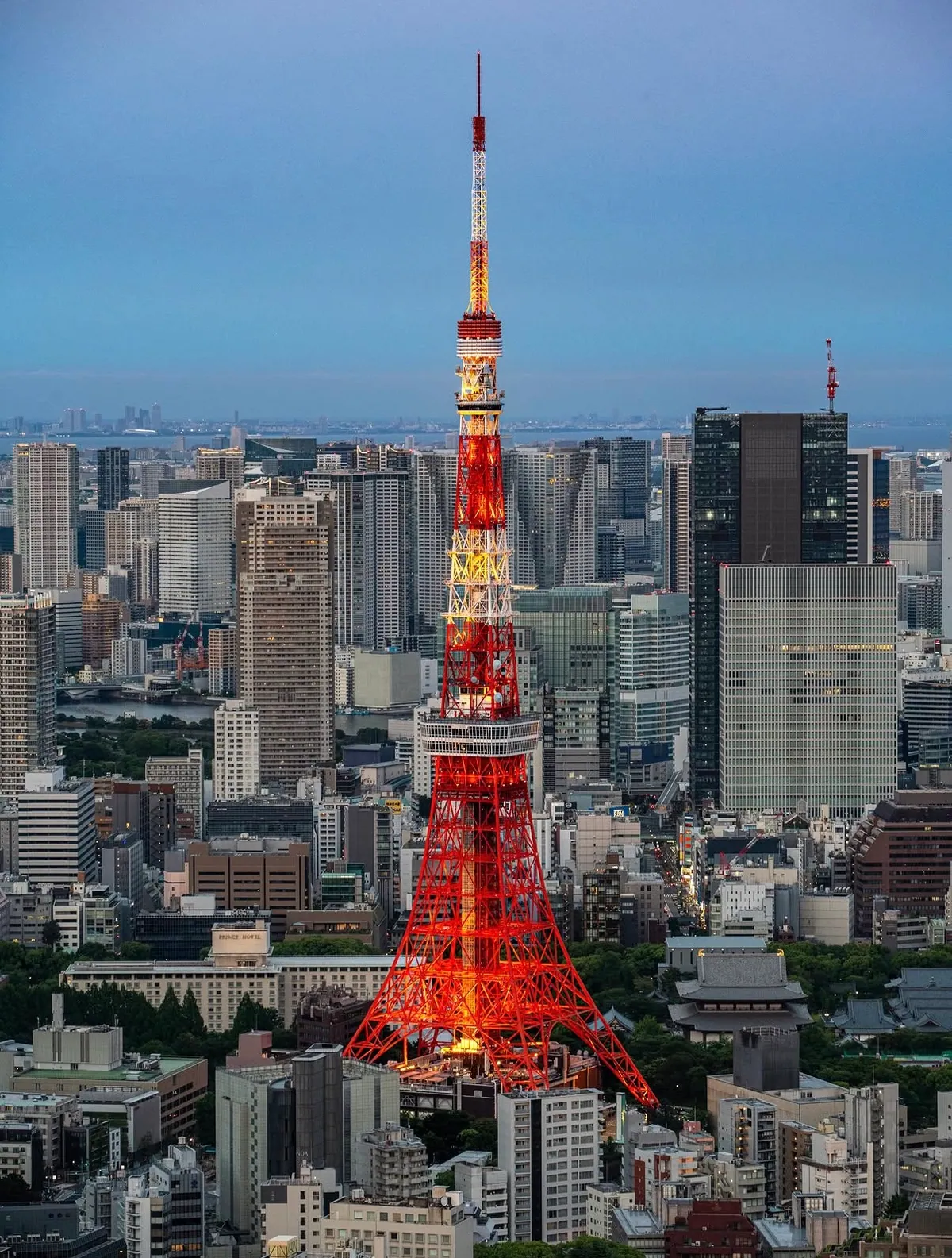
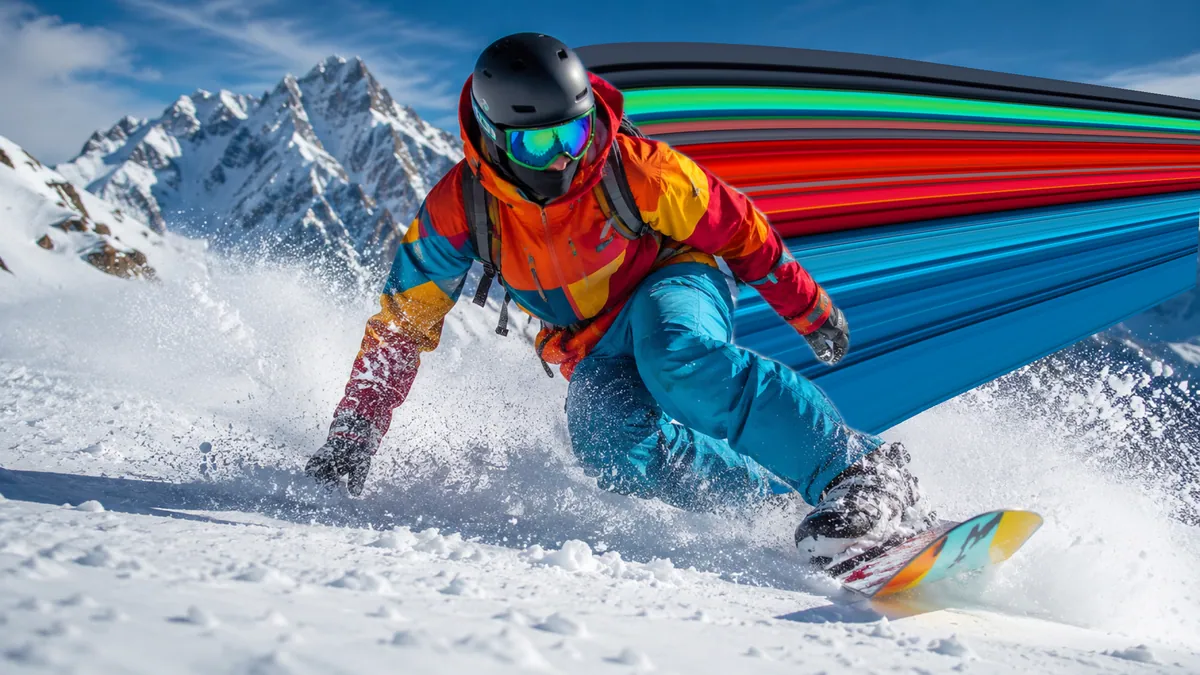
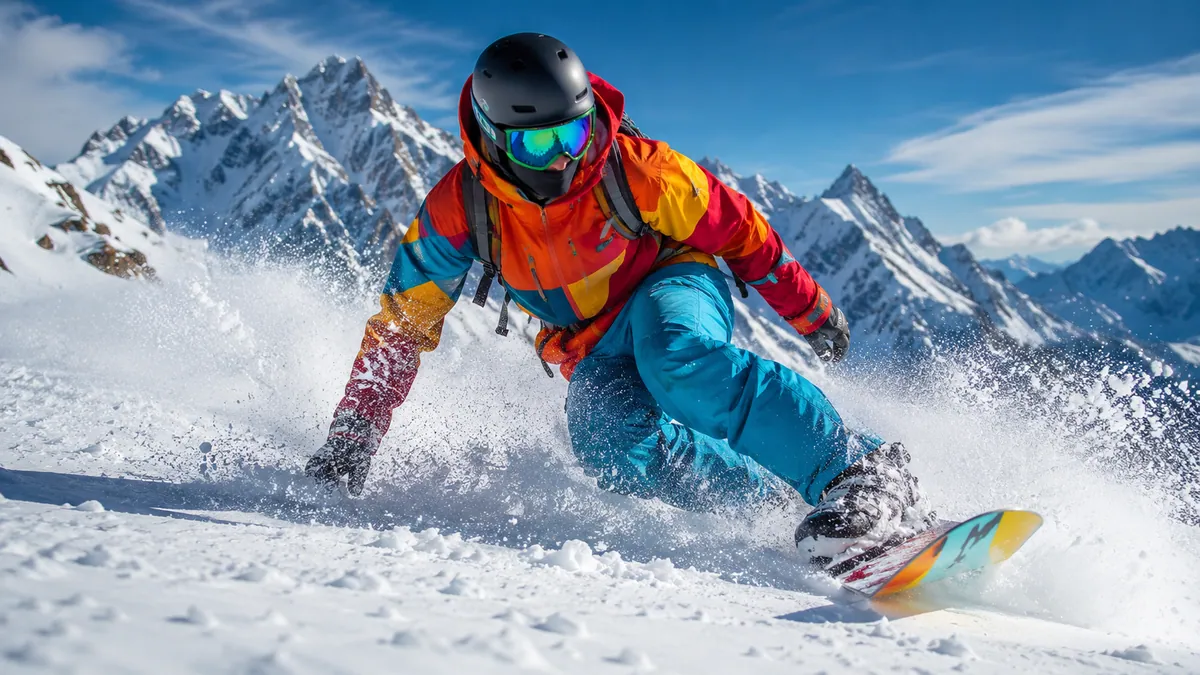
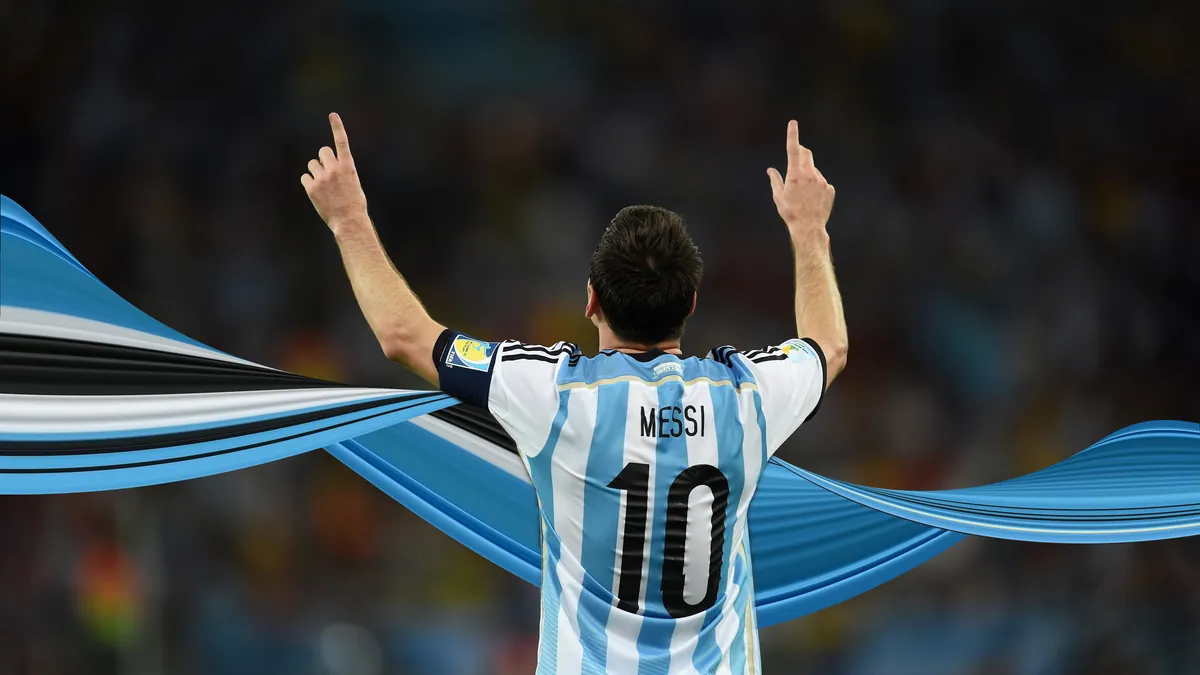

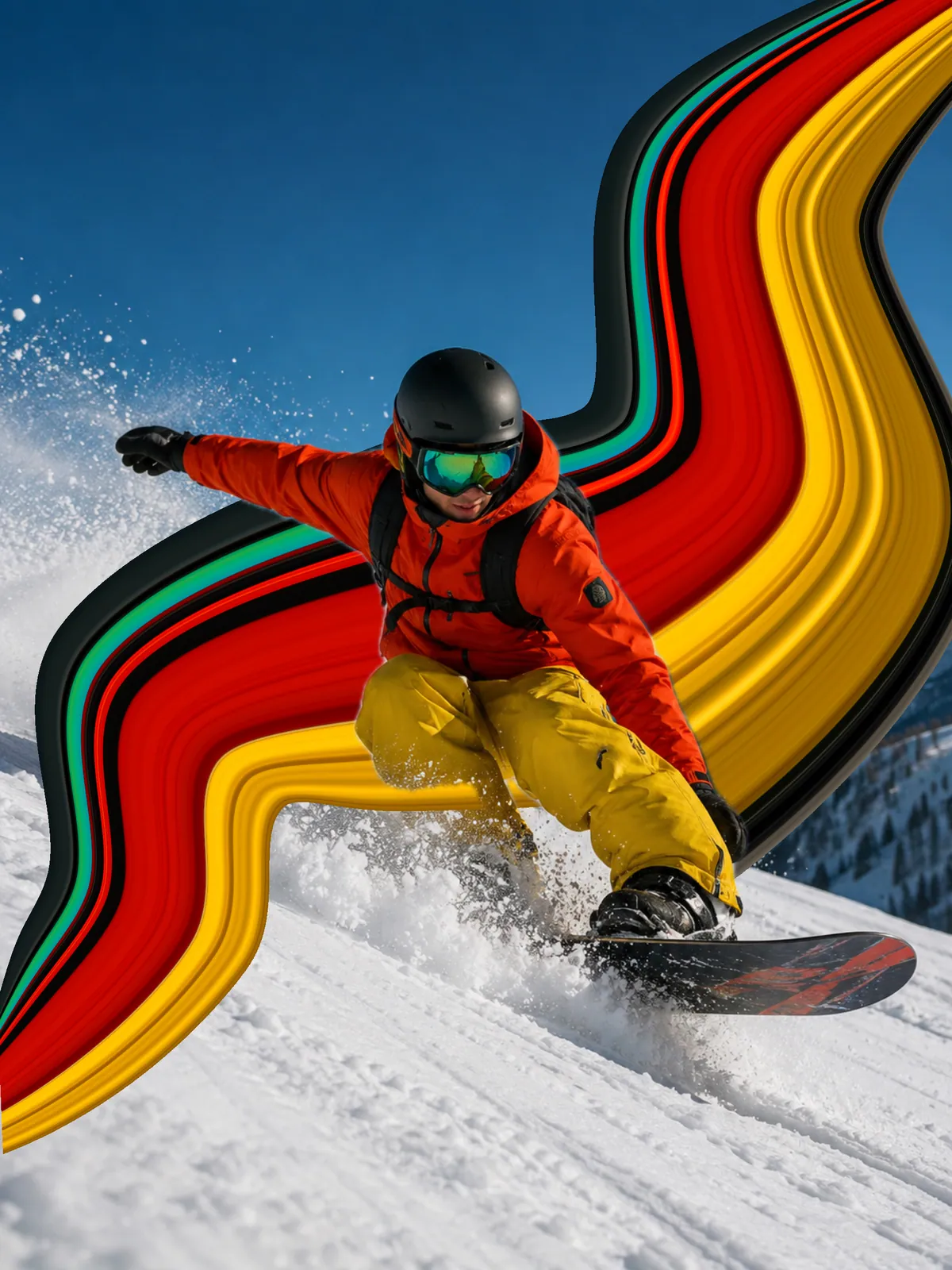

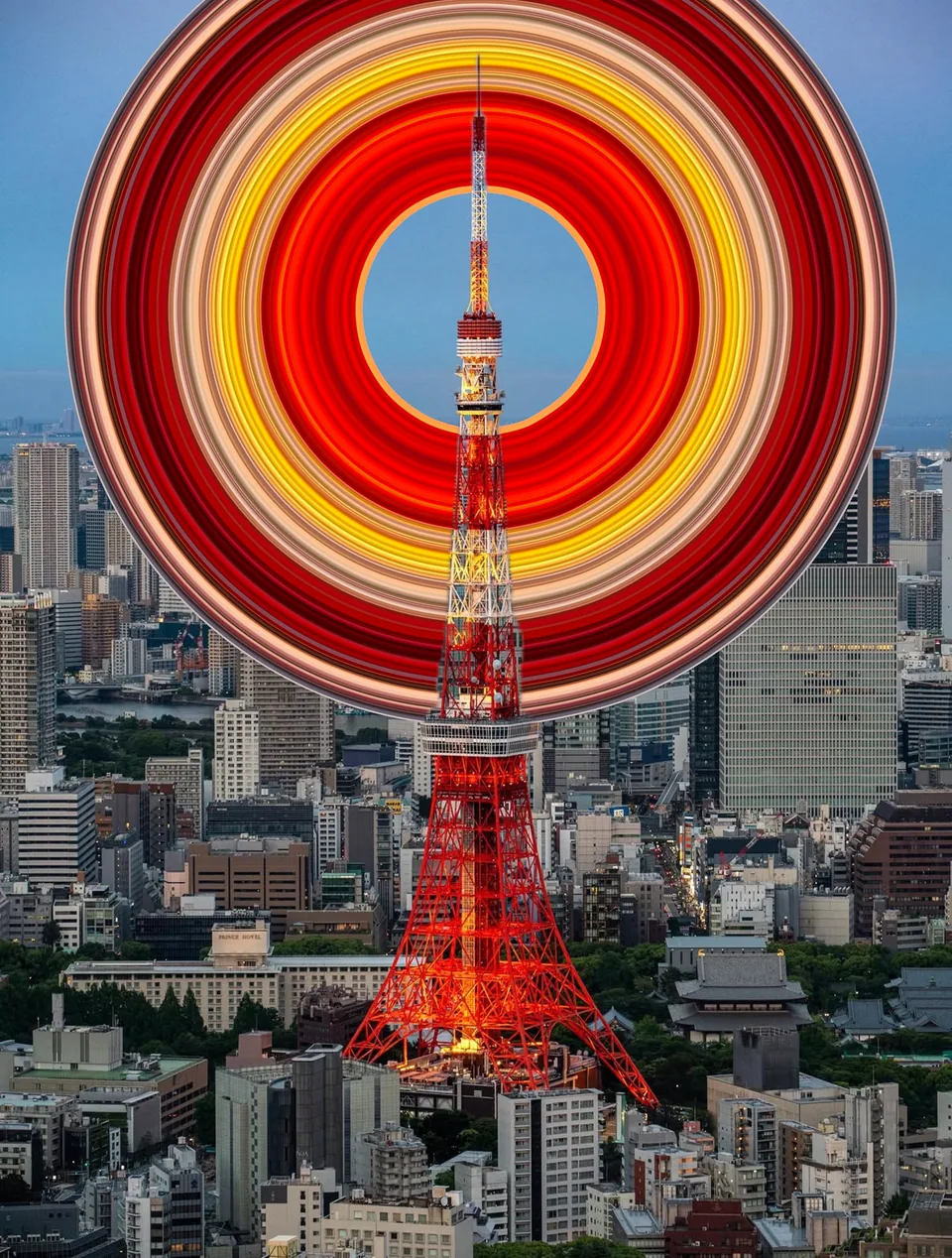
 Same photo · Round
01
Round
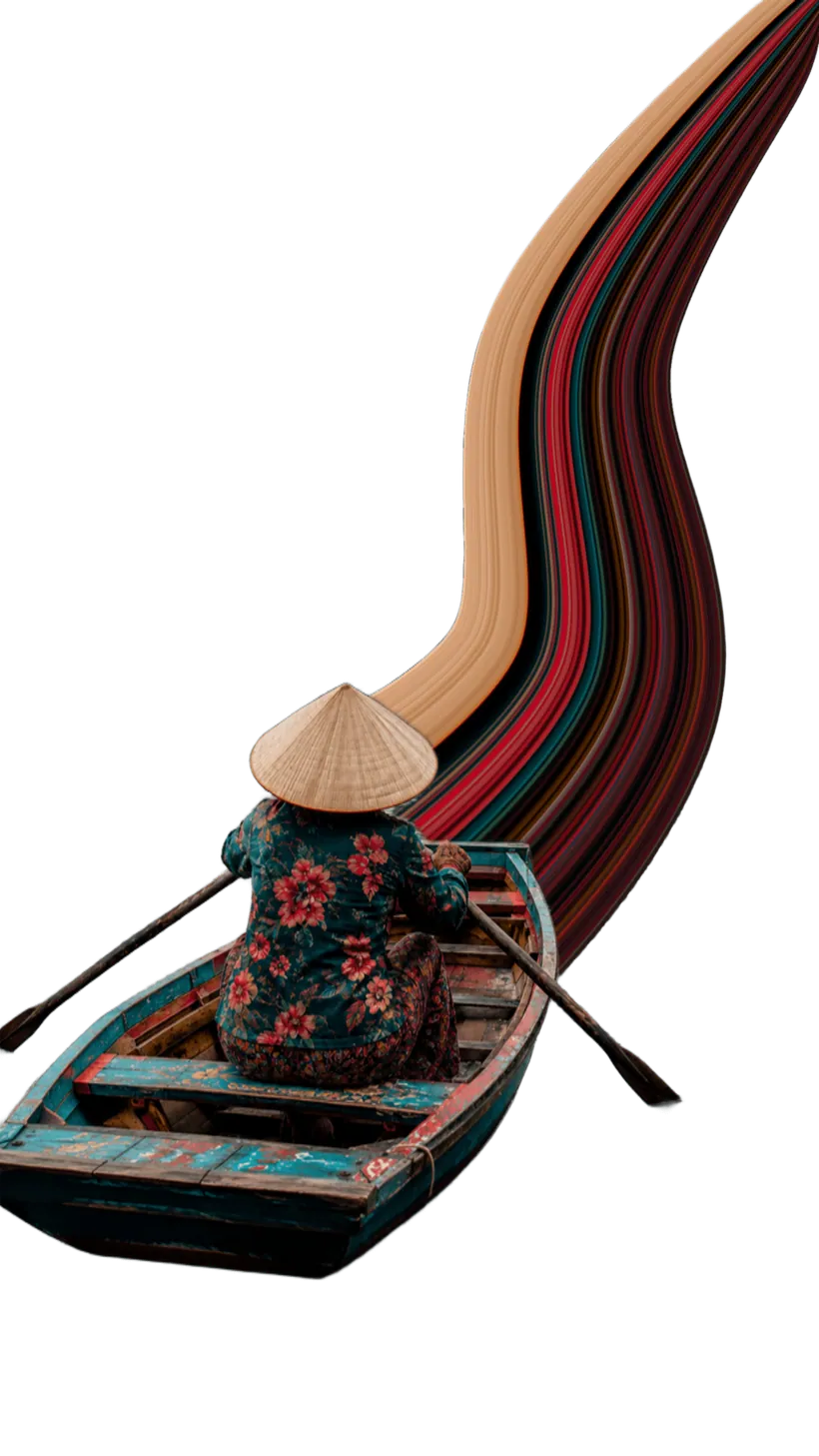
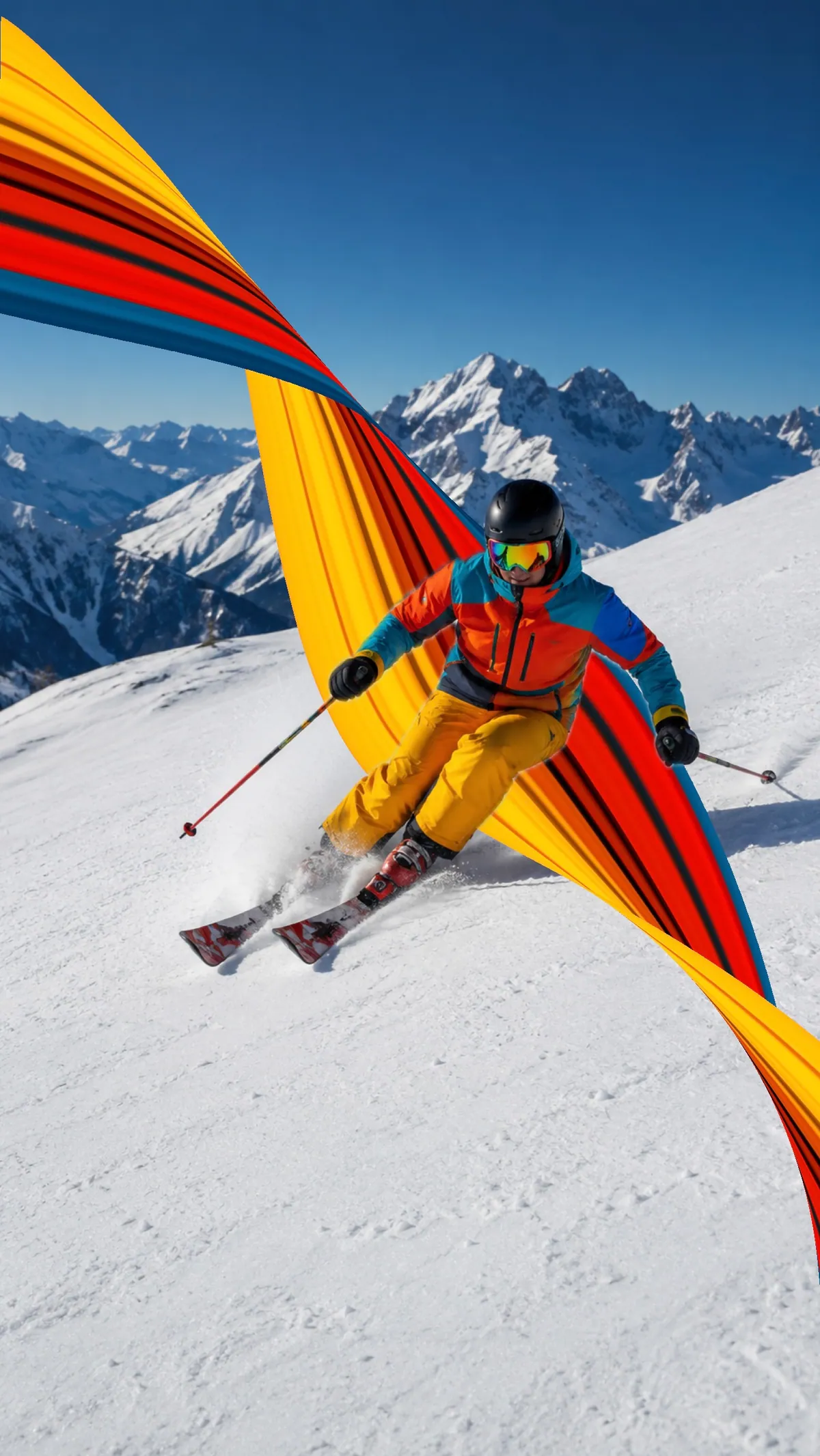
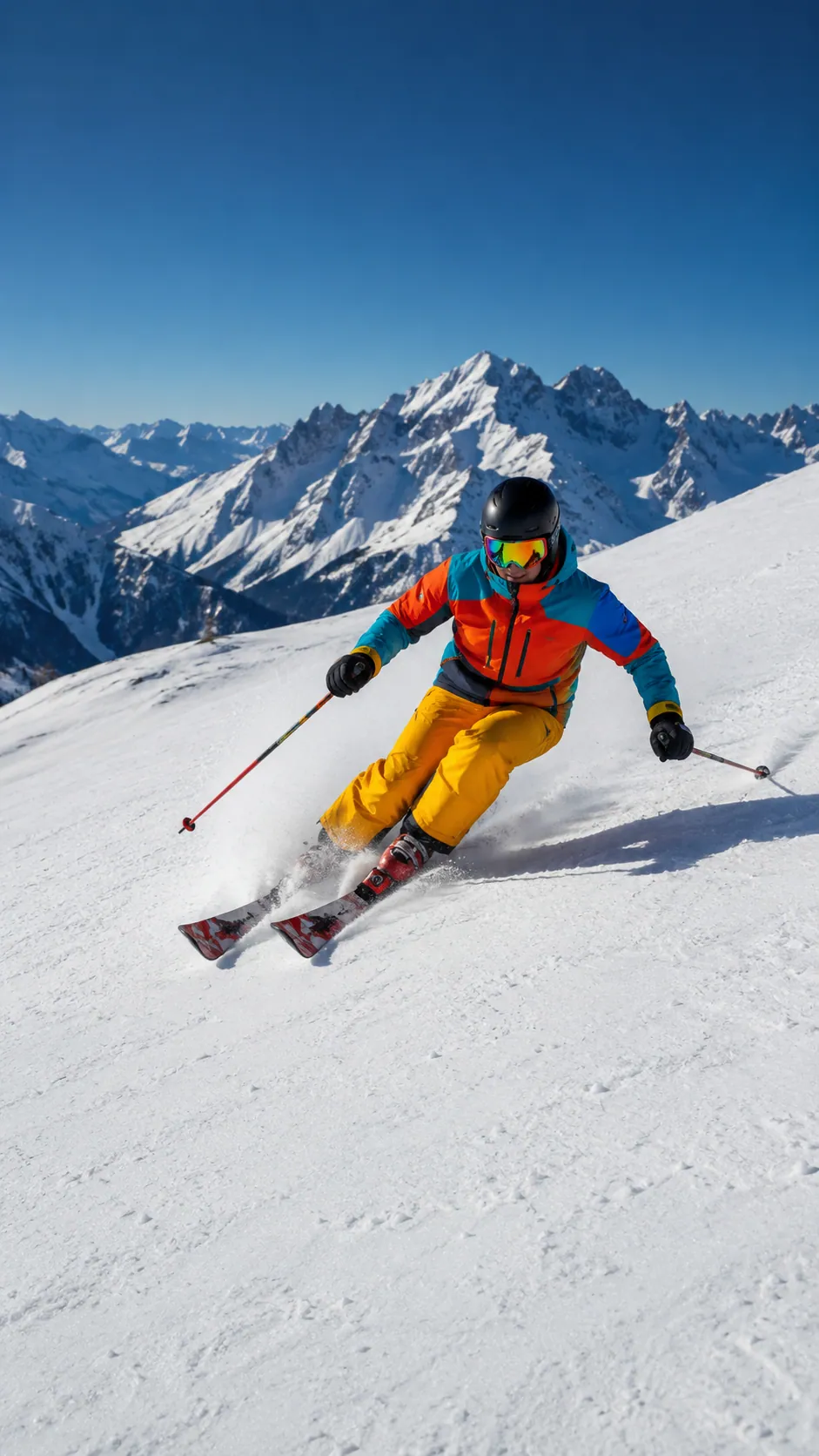
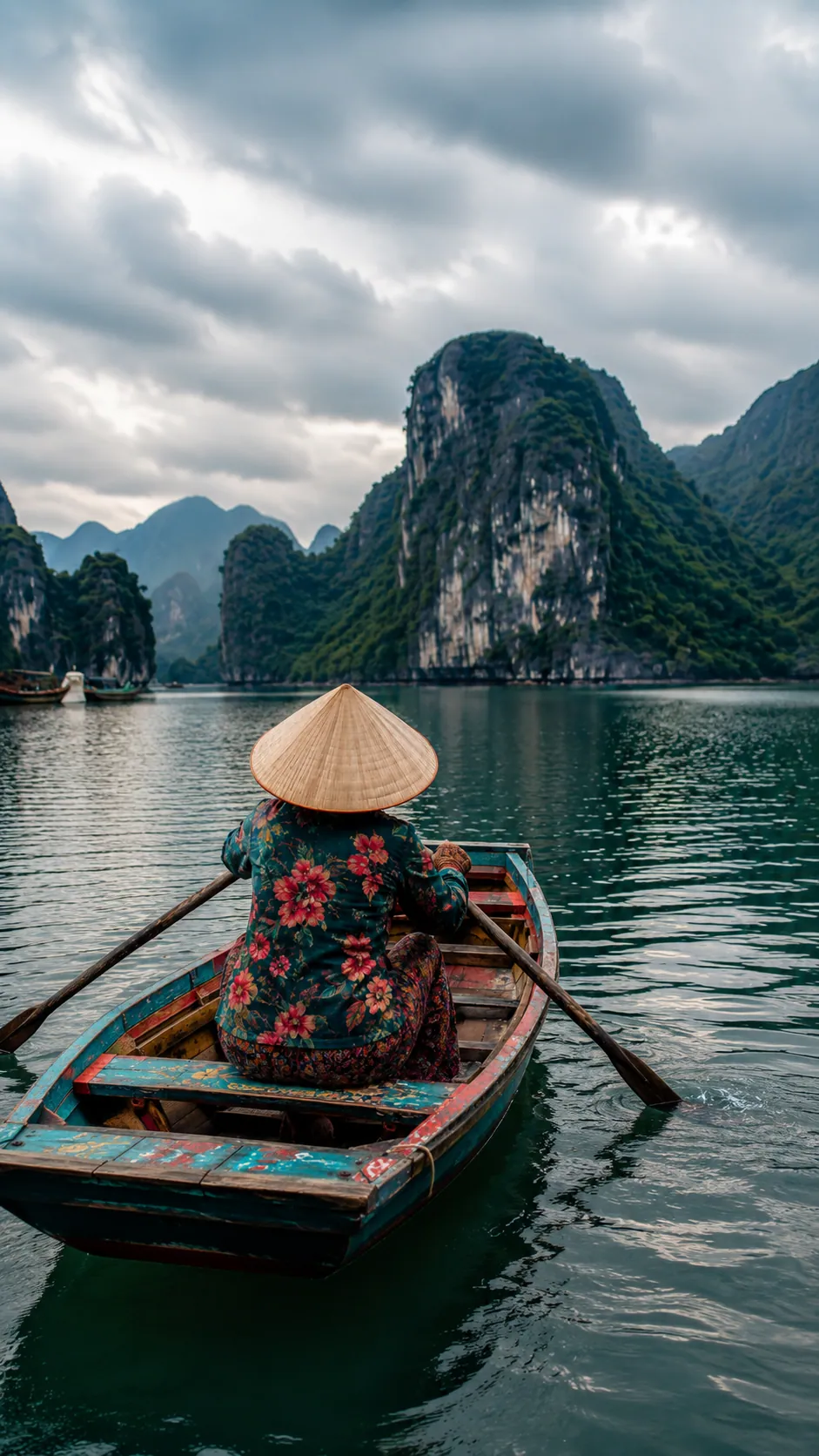
Turn the path into a controlled arc, from a gentle bend to a complete loop. Drag the guide to change its size, direction, and sweep without rebuilding the ribbon.
Pixel Stretch Pro turns the viral pixel stretch trend into a mobile editor: pick a strip of color, pull it into a smooth ribbon, and keep the whole edit on your phone.



On a computer? Scan with your phone camera.
Real edits made in the app. Drag the slider to pull the color out of the photo.
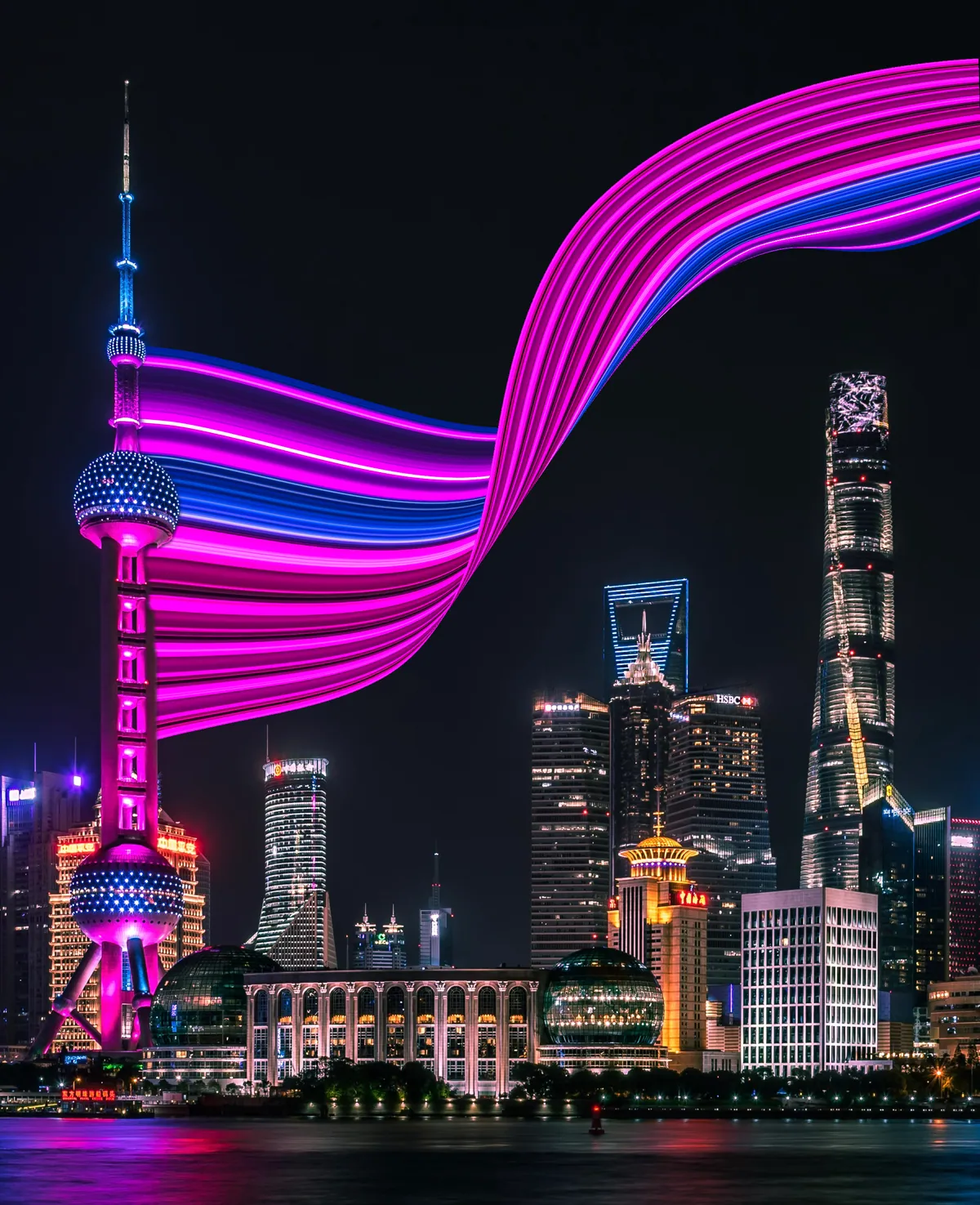
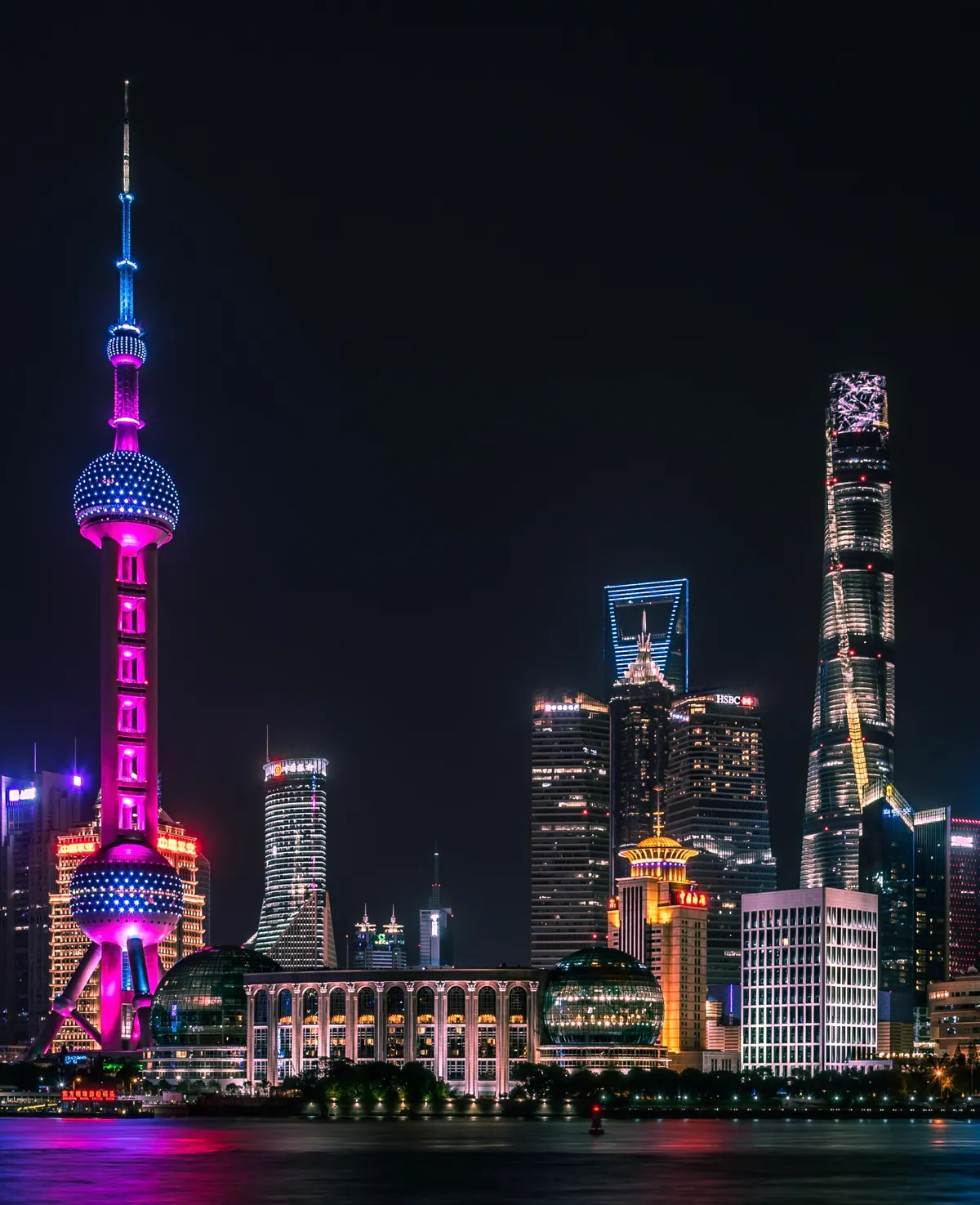 BeforeAfter
Drag to compare · Shanghai
It's the pixel stretch effect made into a real tool for iPhone and Android: place a bar over the colors you like, draw the line, and bend it until it feels right.
Filters guess. Pixel Stretch Pro hands you the controls — the colors, the curve, the taper — so every stretch is yours.
Tap an arrow for a clean straight pull, or drag to sketch a curving path. Move the control points afterwards to bend the ribbon exactly where you want it.
When a person or object is detected, Smart Subject keeps the stretch behind them, so the color can trail out without painting over your subject.
A movable sampling bar lets you choose the precise strip of color that gets stretched — a jacket, a sunset, a stripe of paint. Rotate and resize it until the palette is right.
Handles at the tip let you fan the ribbon wide or pull it to a fine point, and wind the finish around for that twisted, windblown look.
Export a crisp new copy ready for a feed, a print, or a wallpaper. Your original stays untouched, and smaller photos are upscaled within sensible limits.
Every edit runs on-device, and your photos are never uploaded to our servers. Limited usage analytics never include your photo or its contents.
Presets
Start with any pull or rough curve, then let Presets turn the path into clean geometry. Round and S Curve are the first two shapes, with room for more to join them.
Same photo · Round01
Turn the path into a controlled arc, from a gentle bend to a complete loop. Drag the guide to change its size, direction, and sweep without rebuilding the ribbon.
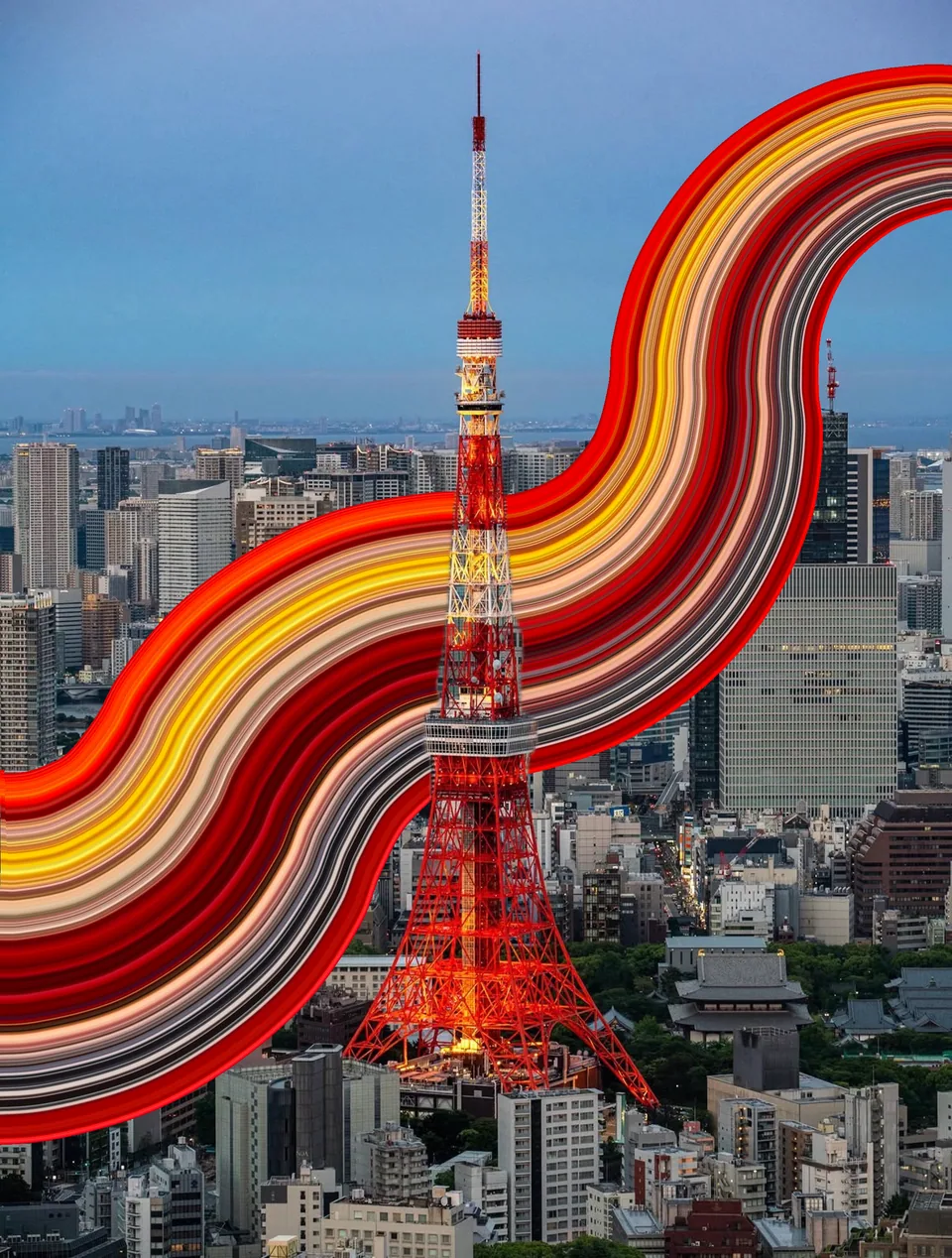 Same photo · S Curve
02
Build a balanced two-part curve with one smooth turn through the middle. Adjust its size, bend, and finish while the two sides stay clean and connected.
Presets guide the path, not the whole edit. Your sampled colors, taper, Warp shaping, and high-resolution export stay part of the same workflow.
The same flow the app walks you through the first time you open it.
Open a photo and slide the bar over the colors you want to stretch. Move, rotate, or resize it from the ends.
Tap an arrow for a straight stretch, or drag one to draw a curved path out across the image.
Drag the blue points to bend the path. Tap the line to add more points and steer the ribbon.
Use the end handles to make the ribbon wider, thinner, or twisted, then save a high-resolution copy.
A look inside the app — from picking your colors to the finished stretch. Swipe through.
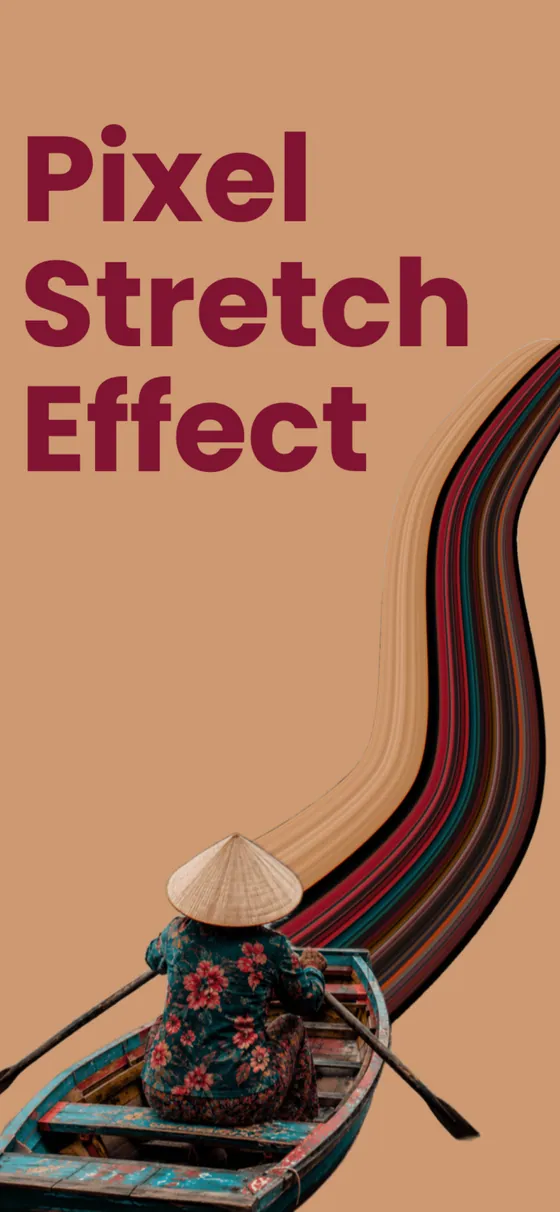
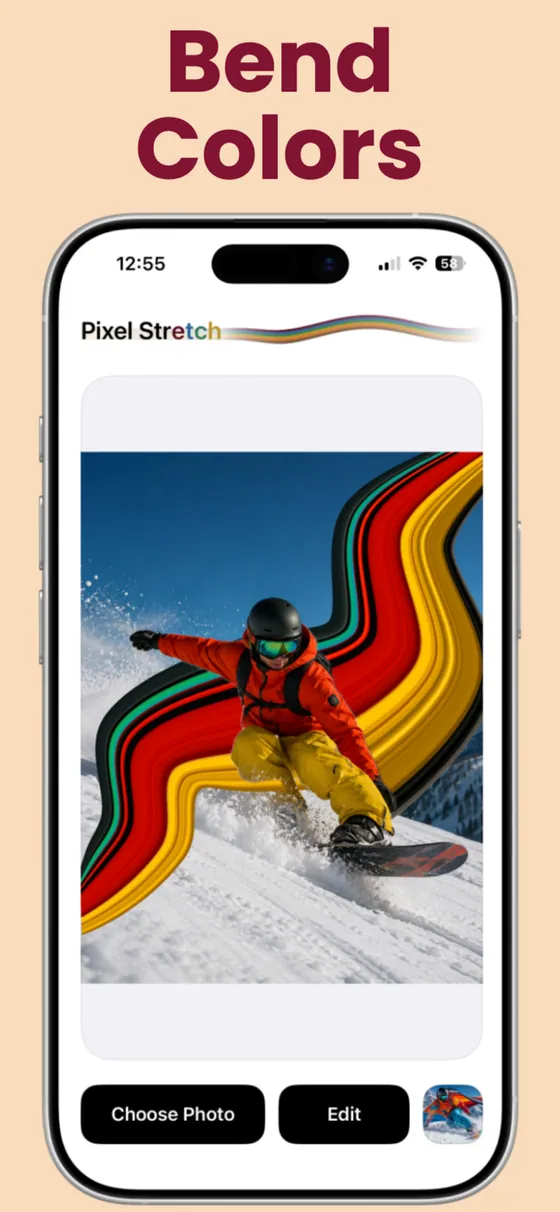
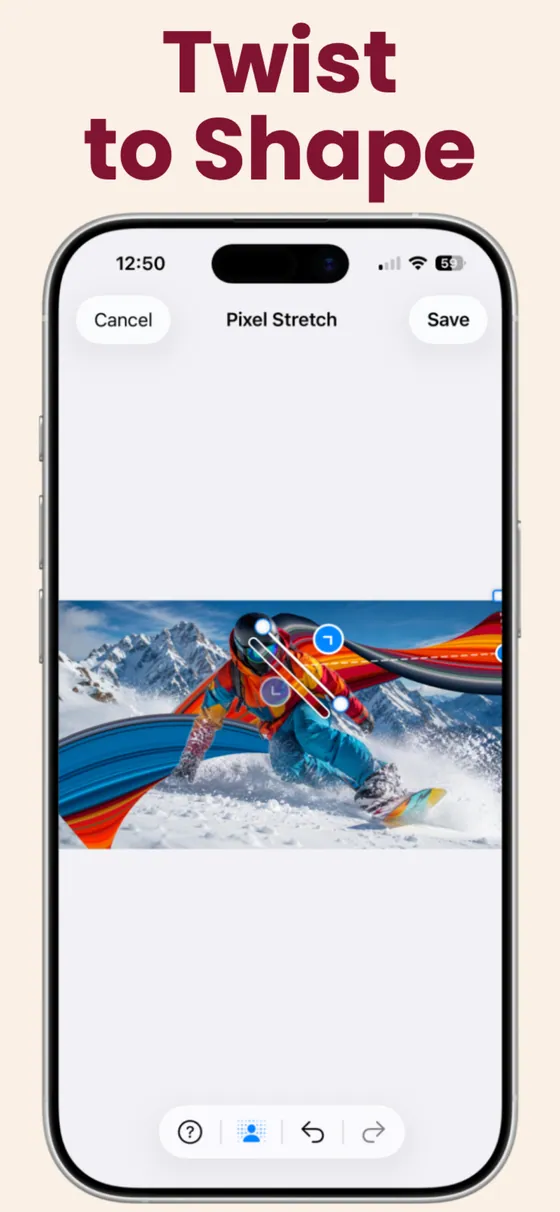
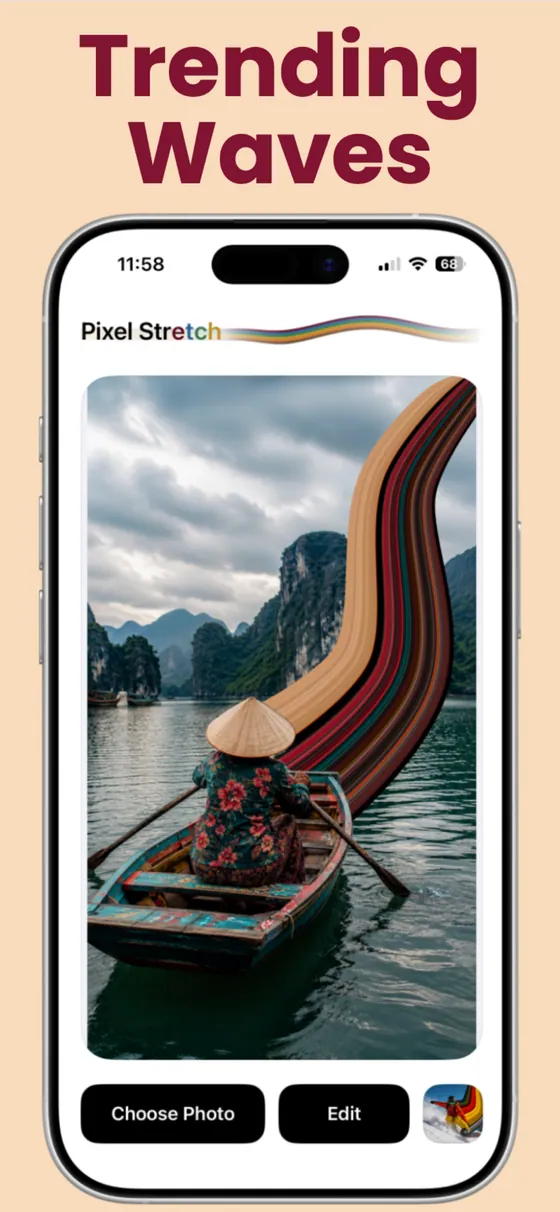
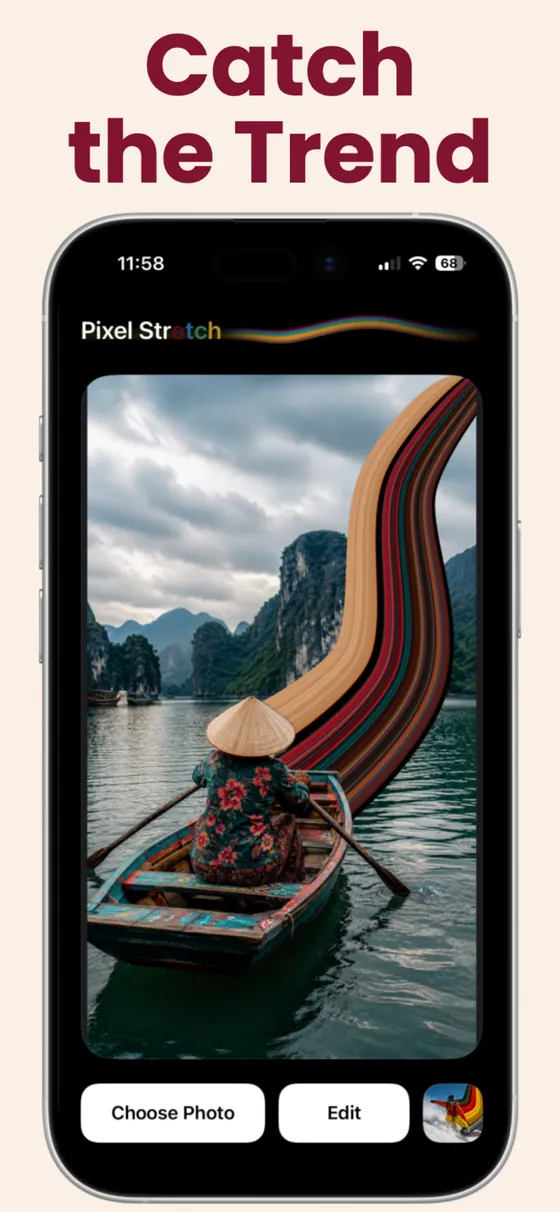
The effect loves contrast. Anything with a clear subject works.
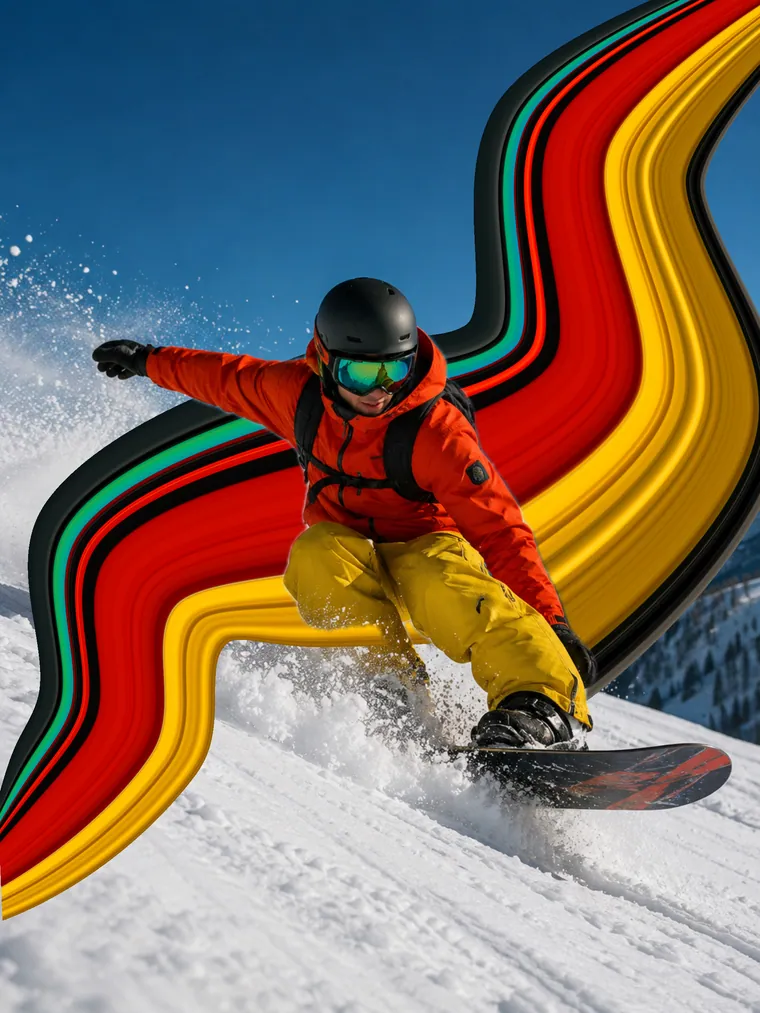
Trail color off a jacket or a head of hair for a poster-style portrait with real movement.
See the guide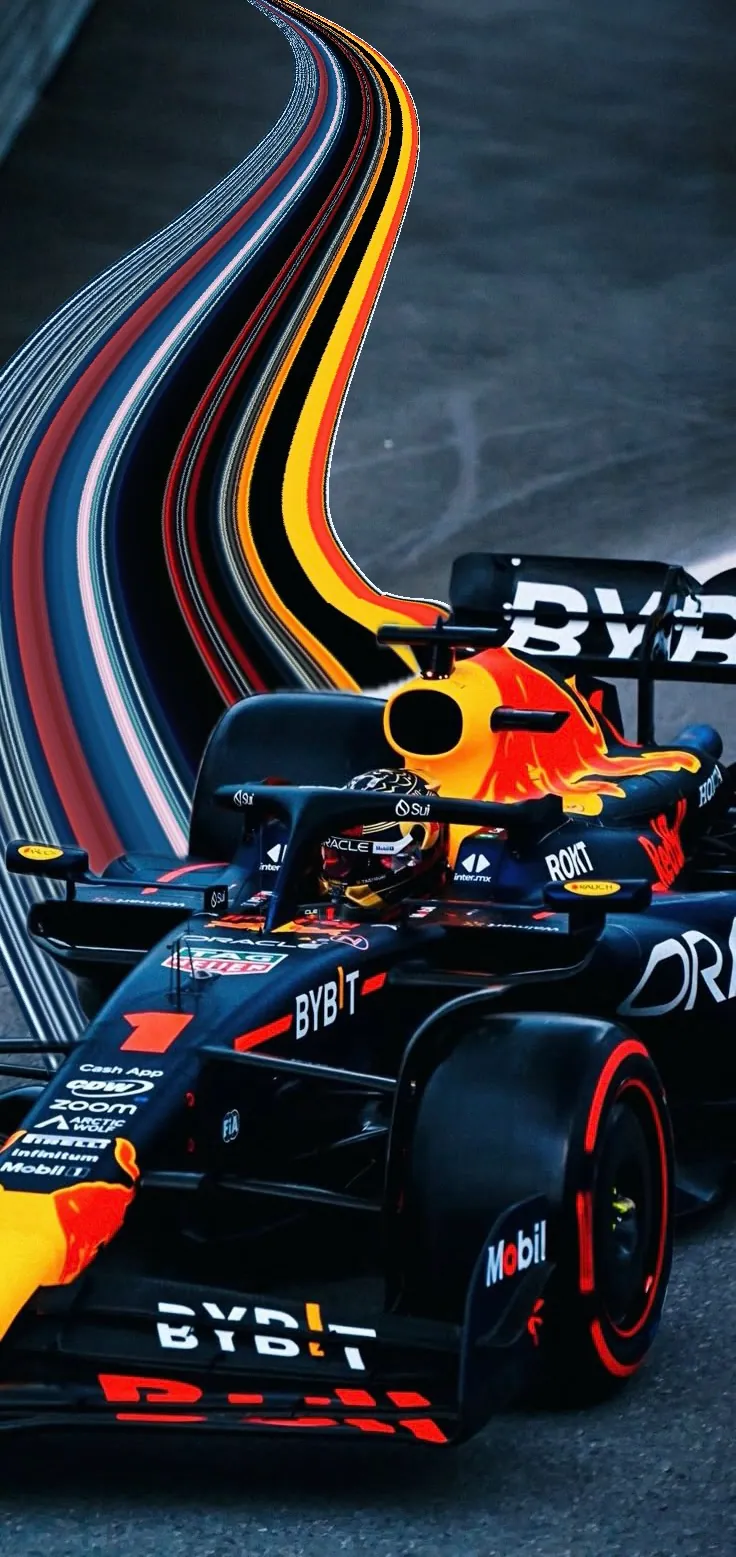
The effect loves speed. Pull paint, lights, or a bright kit into a streak that follows the motion.
See the guide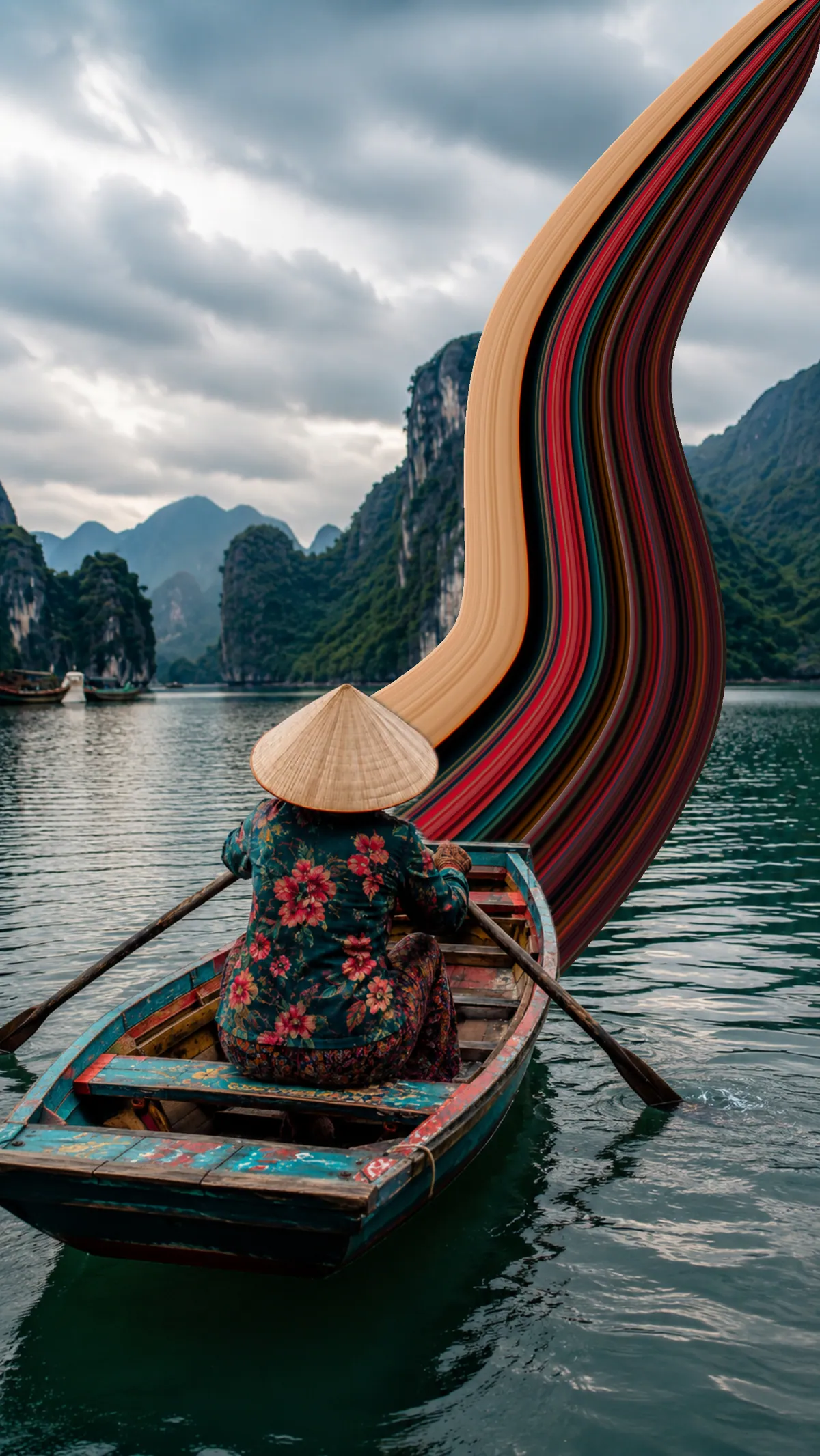
Lift a strip of a sunset or a painted boat and let it arc across the sky.
See the guideIt takes a thin slice of color from your photo and stretches it across the frame, turning that strip into a smooth ribbon of motion. It works best when your subject stands out from the background: a bright jacket, a car, a sunset. Some people write it as pixel strech, but it is the same effect.
Yes. Pixel Stretch Pro is a mobile pixel stretch app for iPhone and Android, and the editor works the same way on both: choose a photo, place the color bar, pull the stretch, shape the curve, and save a high-resolution copy to your camera roll or gallery.
No. The classic method is a multi-step Photoshop job with selections, Free Transform, and Warp on a desktop. Pixel Stretch Pro does the same thing in four gestures on your phone, with a curve you can drag and bend after the fact instead of rebuilding it.
About a minute. Placing the sampling bar and pulling the ribbon takes seconds. The rest of the time goes into deciding how far the color travels and how much it curves, which is the part that decides whether the result looks intentional.
A straight pull, a freehand curve you draw with your finger, a Round arc that can close into a full loop, or an S Curve with two balanced bends. Warp changes the width along any of them, so the same path can be a thin streak or a wide band of color.
A high-resolution still image. It is built for photos you can post, print, or set as a wallpaper, and the sense of movement comes from the shape and direction of the ribbon rather than from animation.
No. Every edit is processed on your device, and your photos and finished images are never uploaded to our servers. Limited app usage analytics do not include your photos, file names, or image contents.
On iPhone and Android. Choose your colors, draw the curve, and save a high-resolution copy when it is worth keeping.
On a computer? Scan with your phone camera.